Step 01Admin
Template & Objective Creation
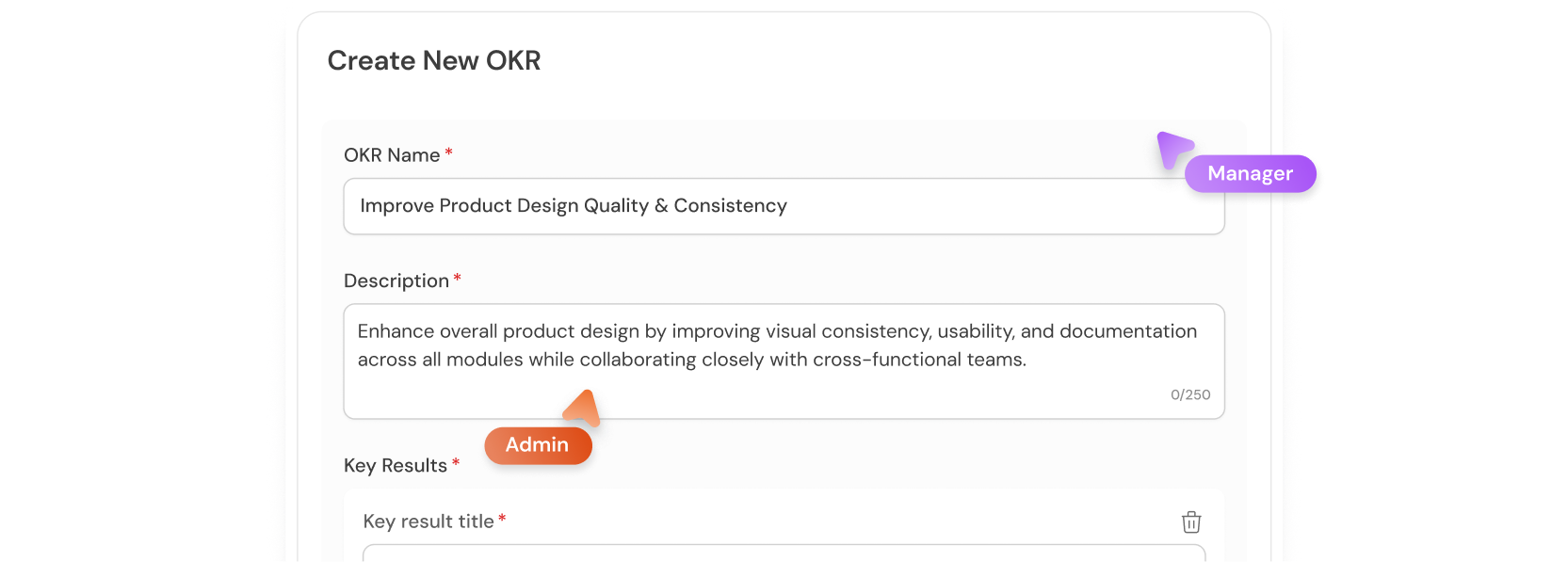
HR/Admins define clear objectives and measurable key results for roles or teams, creating a consistent framework for success.
Set direction. Assign owners. Watch progress change in real time — without anyone chasing updates in Slack.
Pending → In Progress → At Risk → Under Approval → Needs Revision → Reviewed → Completed → Overdue. The status reflects reality, not wishful thinking.
HR/Admins define clear objectives and measurable key results for roles or teams, creating a consistent framework for success.
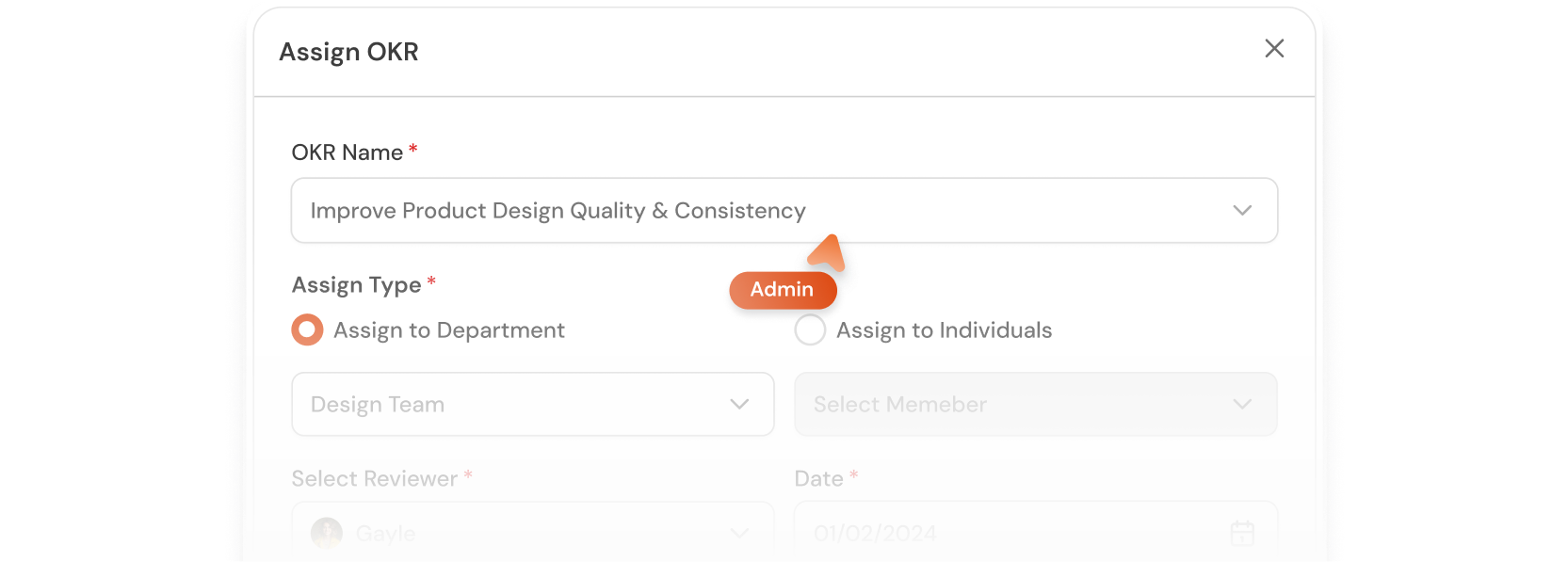
Assign OKRs to individuals or departments, set reviewers, deadlines, and priorities to establish ownership from day one.
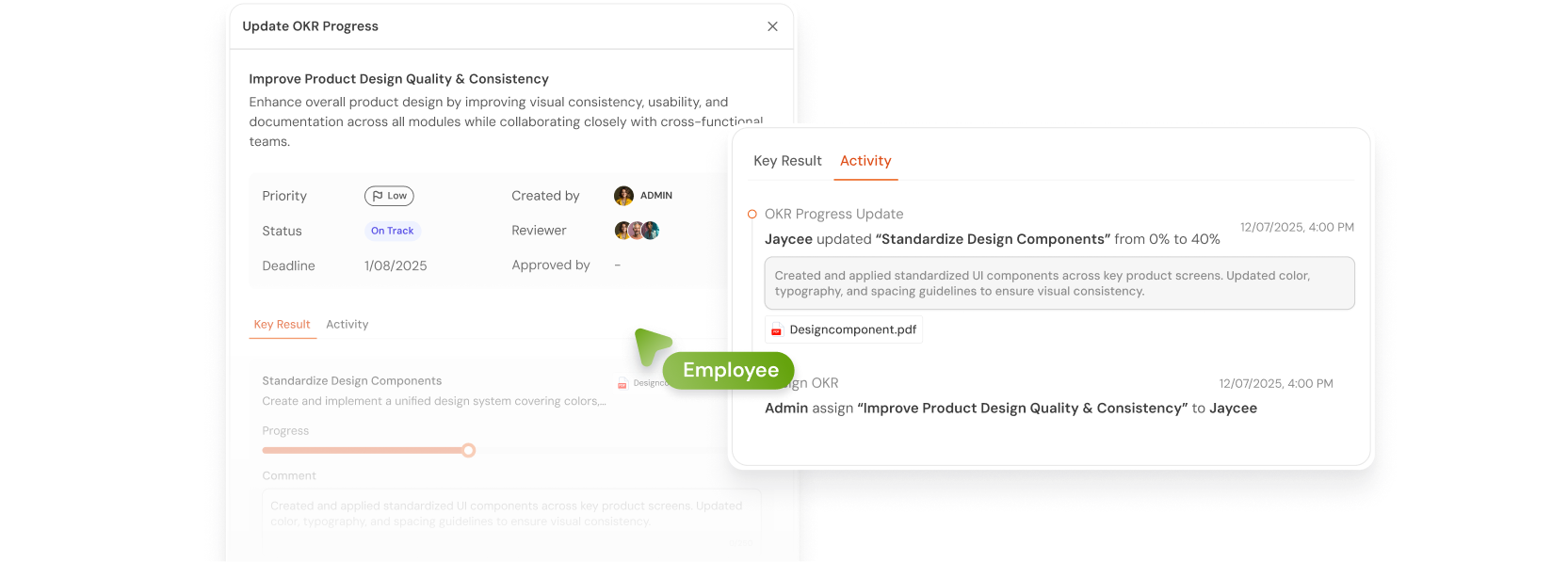
Employees track progress, add brief notes, attach proof, and update status to provide credible, transparent evidence of work.
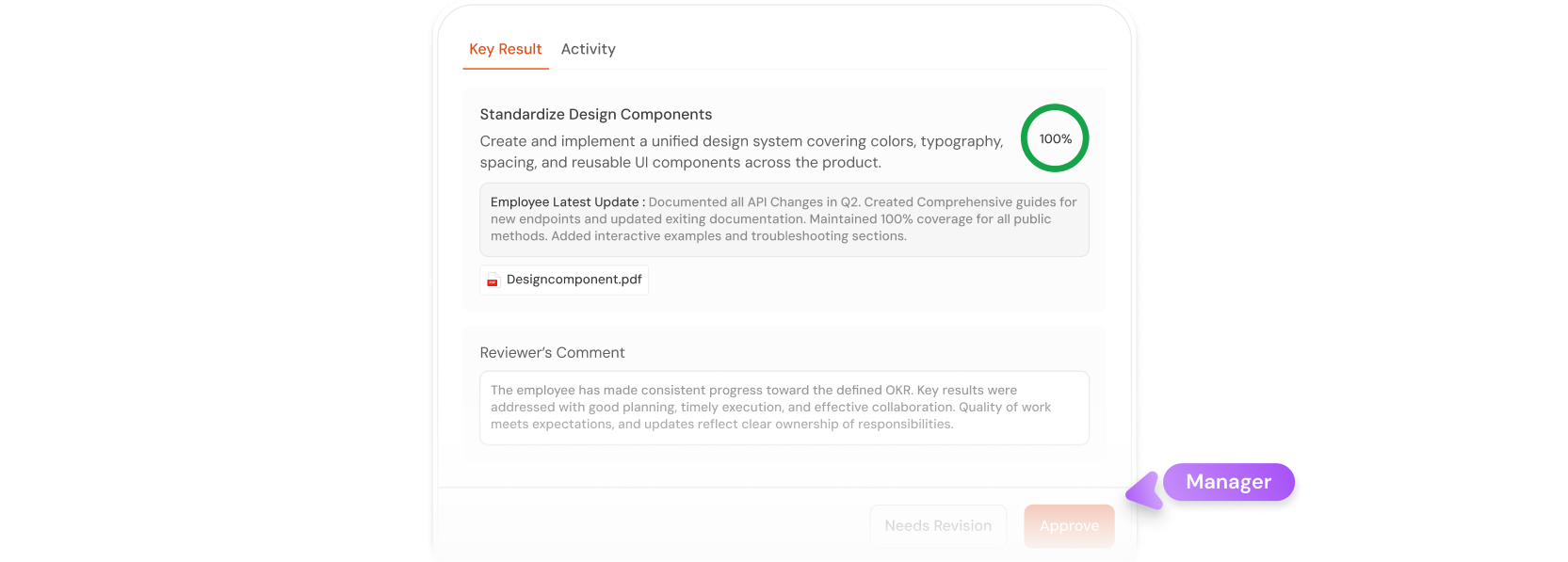
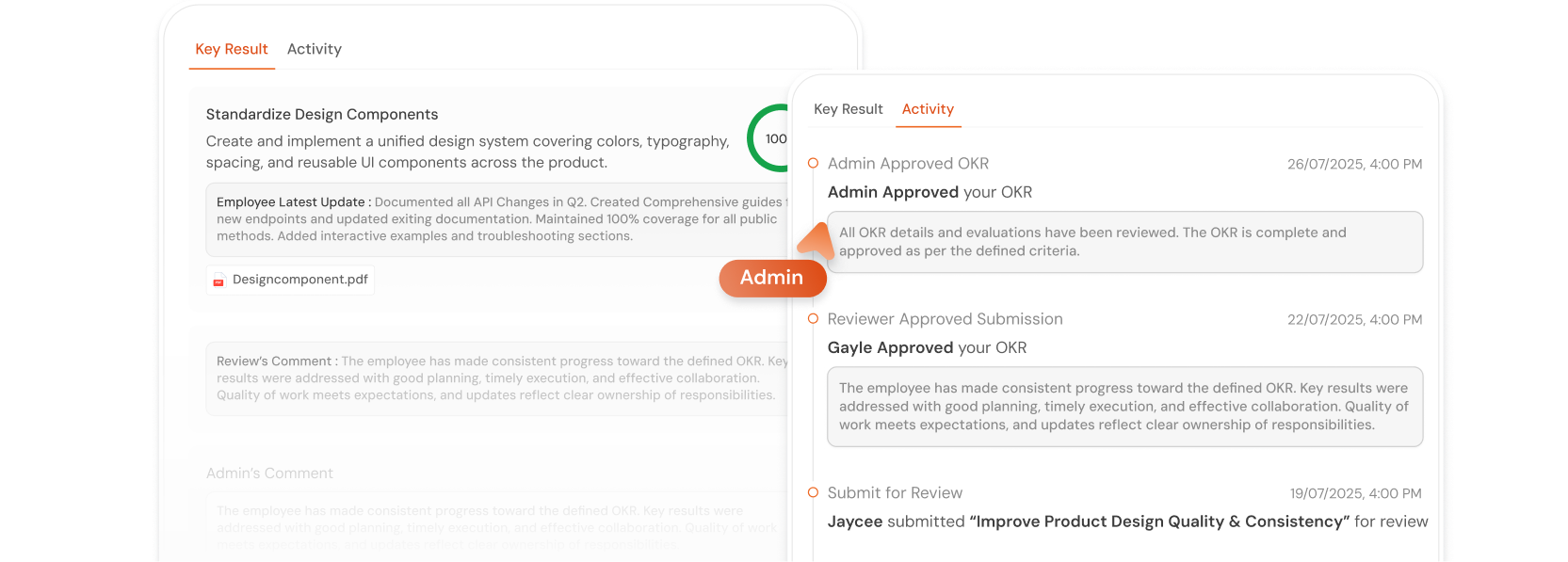
Managers approve or request revisions, providing context and guidance while keeping all activity visible in the audit log.
Admins finalize OKRs, close the loop, and maintain a complete audit trail for governance and analytics.
Set direction. Assign owners. Watch progress change in real time — without anyone chasing updates in Slack.
Instant snapshot of total OKRs, overdue items, and pending approvals
Define objectives, key results, assign owners, reviewers, and deadlines
Simple sliders, comments, and proof uploads
Approve or request revisions with full visibility
Close the loop with a clear audit trail
Identify and recognize high-performing teams
Compare progress across time periods
All updates, comments, and proofs captured for transparency

“With KarmIQo, we finally got all our goals, KPIs, and employee engagement in one view. Our team alignment improved in just weeks.”
— Head of HR, IT CompanyIf yours isn’t here, ask on the demo.
20-minute demo, walk through a live cycle tuned to how your team actually operates.